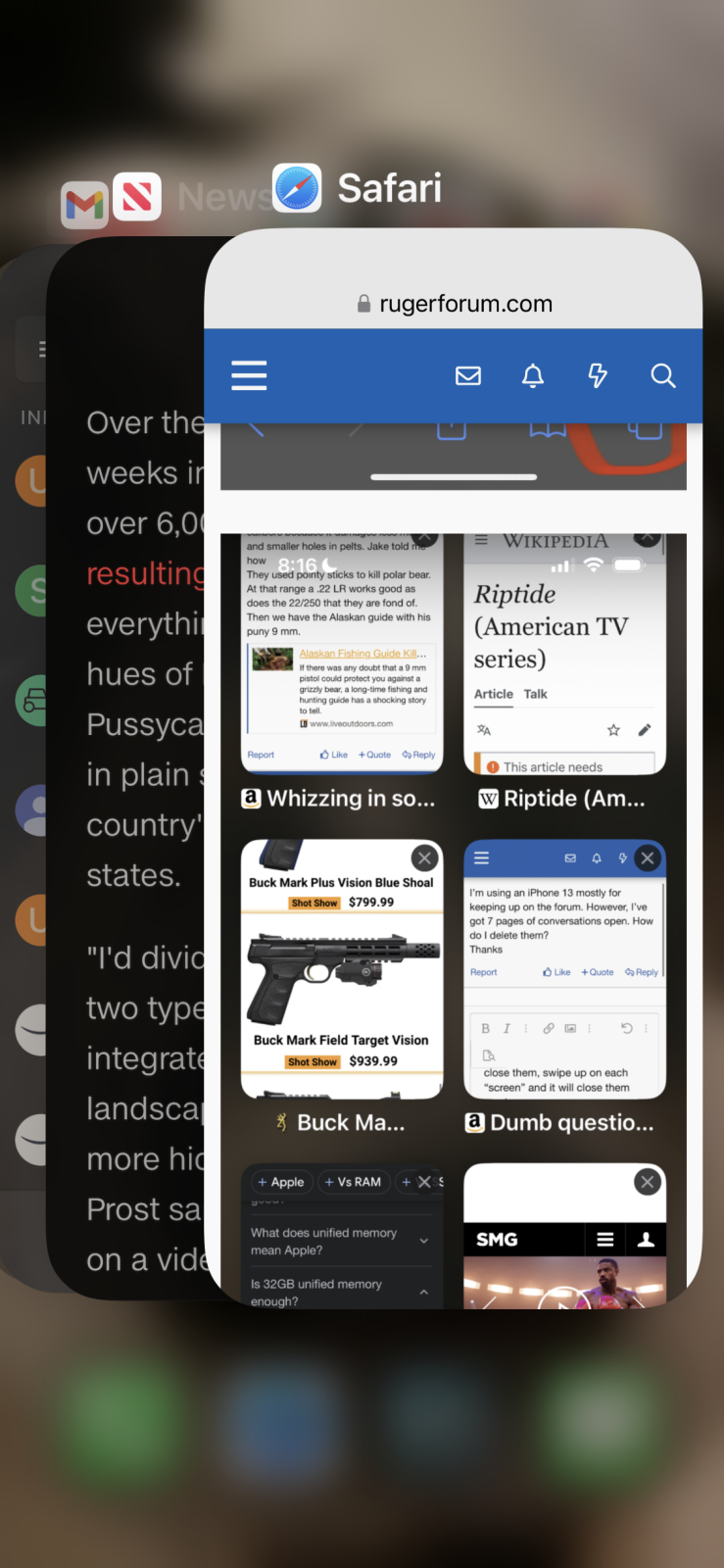
there are a couple things to do. With your finger, swipe up from the bottom of the screen but just about an inch and then let up.
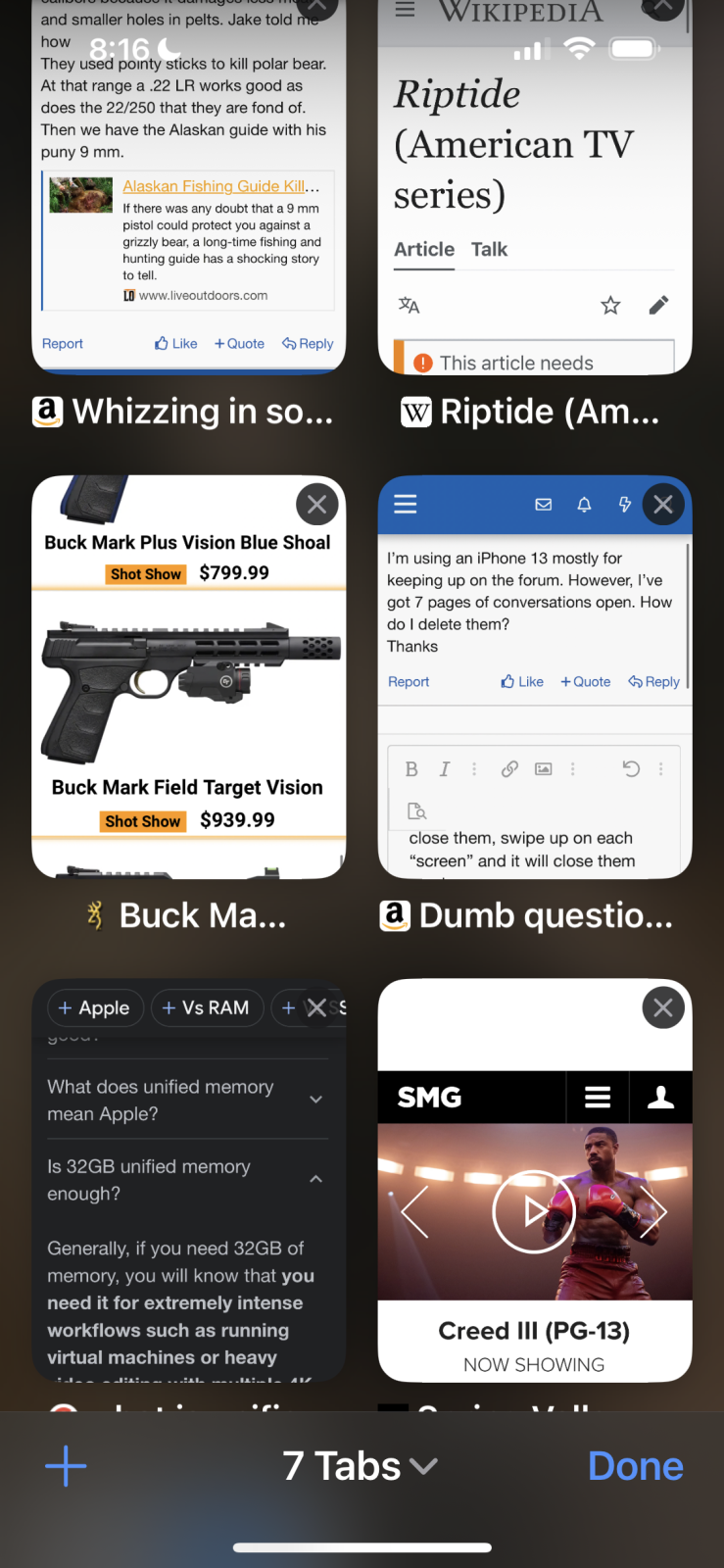
This will show you all the screens on the iPhone you have open. To close them, swipe up on each “screen” and it will close them one by one.
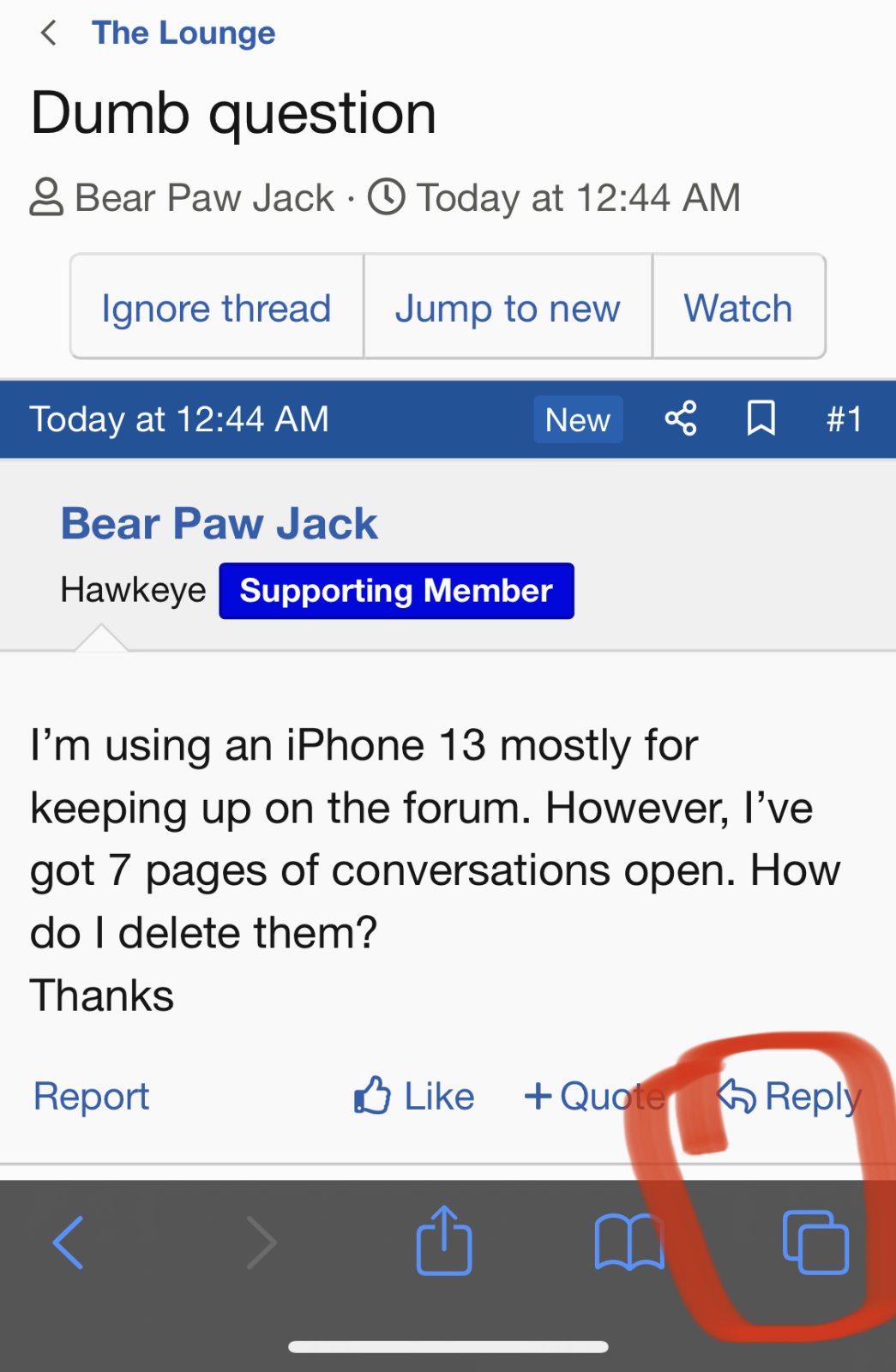
To close each tab in safari you have open. Do you see the two blue squares in the lower right? Click on that and it will show you all the safari pages you have open.
I attached two pictures. The first shows the two squares. The second shows the pages I have open. You can then click the x on each page to close it.
See, I have 7 tabs open. Do you see the “X” in the upper right of each tab or page? That closes them.
To remove Conversations ( formerly called PMs ) individually:
- go to the Conversation
- top right of the Convo is “Leave”
- Touch that and a box opens with options of Accept Future or Ignore Future
- Make your selection and then touch “Leave”
Now every time you touch that little “envelope looking” button, fewer will appear.
As an Amazon Associate we earn from qualifying purchases. Product prices and availability are accurate as of the date/time indicated and are subject to change.
To remove Conversations ( formerly called PMs ) individually:
- go to the Conversation
- top right of the Convo is “Leave”
- Touch that and a box opens with options of Accept Future or Ignore Future
- Make your selection and then touch “Leave”
Now every time you touch that little “envelope looking” button, fewer will appear.
I’m getting close to personally experiencing a problem some older folks I’ve assisted have. I call it "old people finger" and the screen just doesn’t respond consistently to swipes and taps. Probably due to dryer skin than younger folks, but I’m not certain…
That's so funny! On my bike trip today I wanted to send a couple of Android pics to my snowbound friend in Wisconsin. No matter how hard I tried, I failed miserably. This old dog needs to learn a new trick tomorrow LOL











 perhaps someday


