

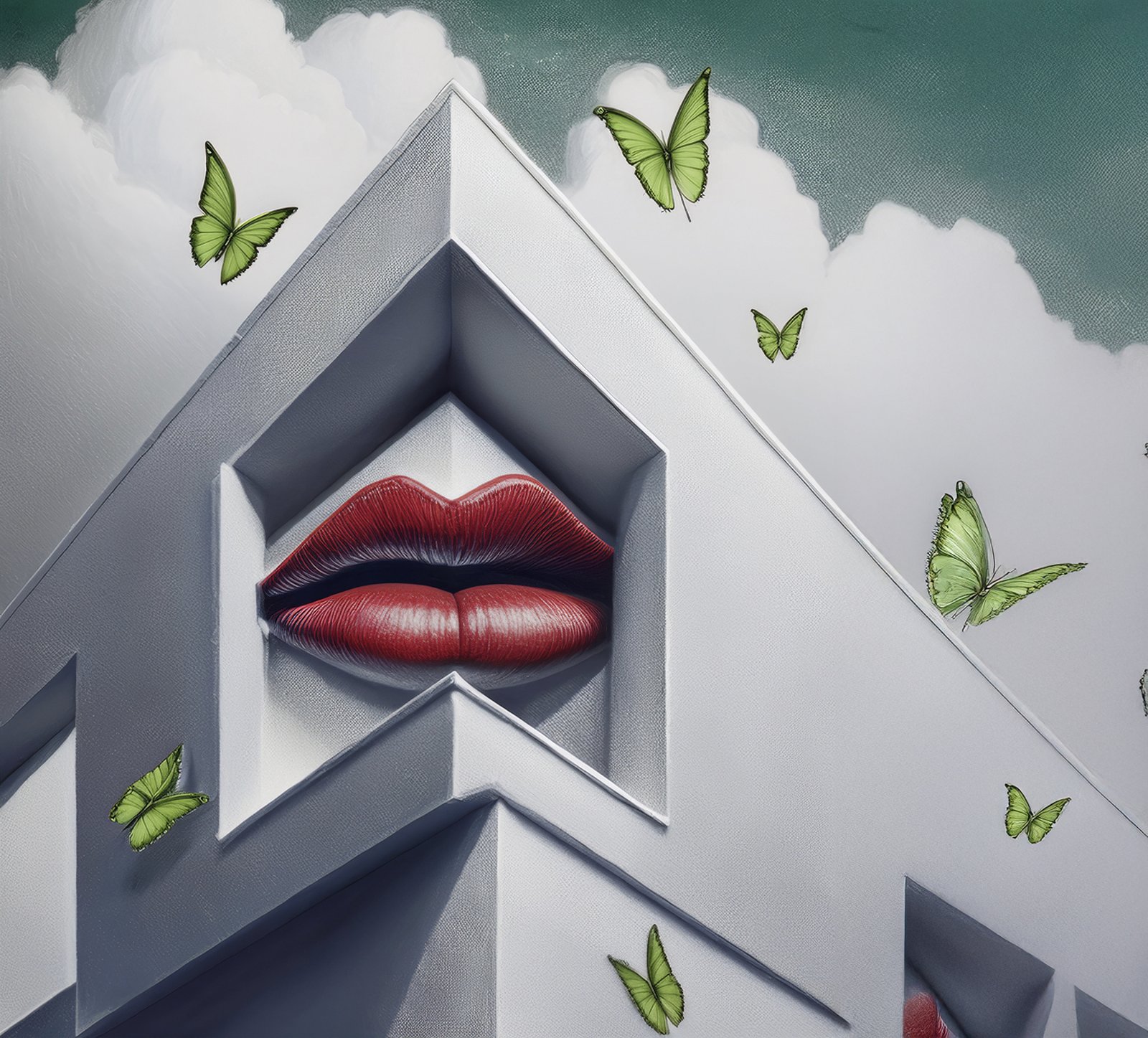
On the drive to school, my daughter and I talk and listen to music. It's about a 20 minute drive, so a great time to connect. We listen to the music she wants to, and in general she has good taste in music. This group she likes, "The Happy Fits" is pretty good. They have some good songs and some ok songs. But their new album came out recently. The first picture is the cover of the album. It came up on the screen in the car and we got to talking about it. This was a while ago, and we've had the conversation a few times.
I say it was created in 10 minutes on Adobe Photoshop. She says someone drew or painted it or did something to make the picture. I told her I would make something similar, just as good. The other pictures are mine. As much as I can claim them. They are from Photoshop. It has a "Generative Image Creation" Just type what you want and it will make a picture in various styles. The second picture shows the part of Photoshop where you can make different choices for what picture you want to generate.
So here is the Happy Fits Album Cover. The clouds in the background are from a real picture, but I think the rest is from Photoshop. My daughter finally said probably Adobe Illustrator. She's probably right.

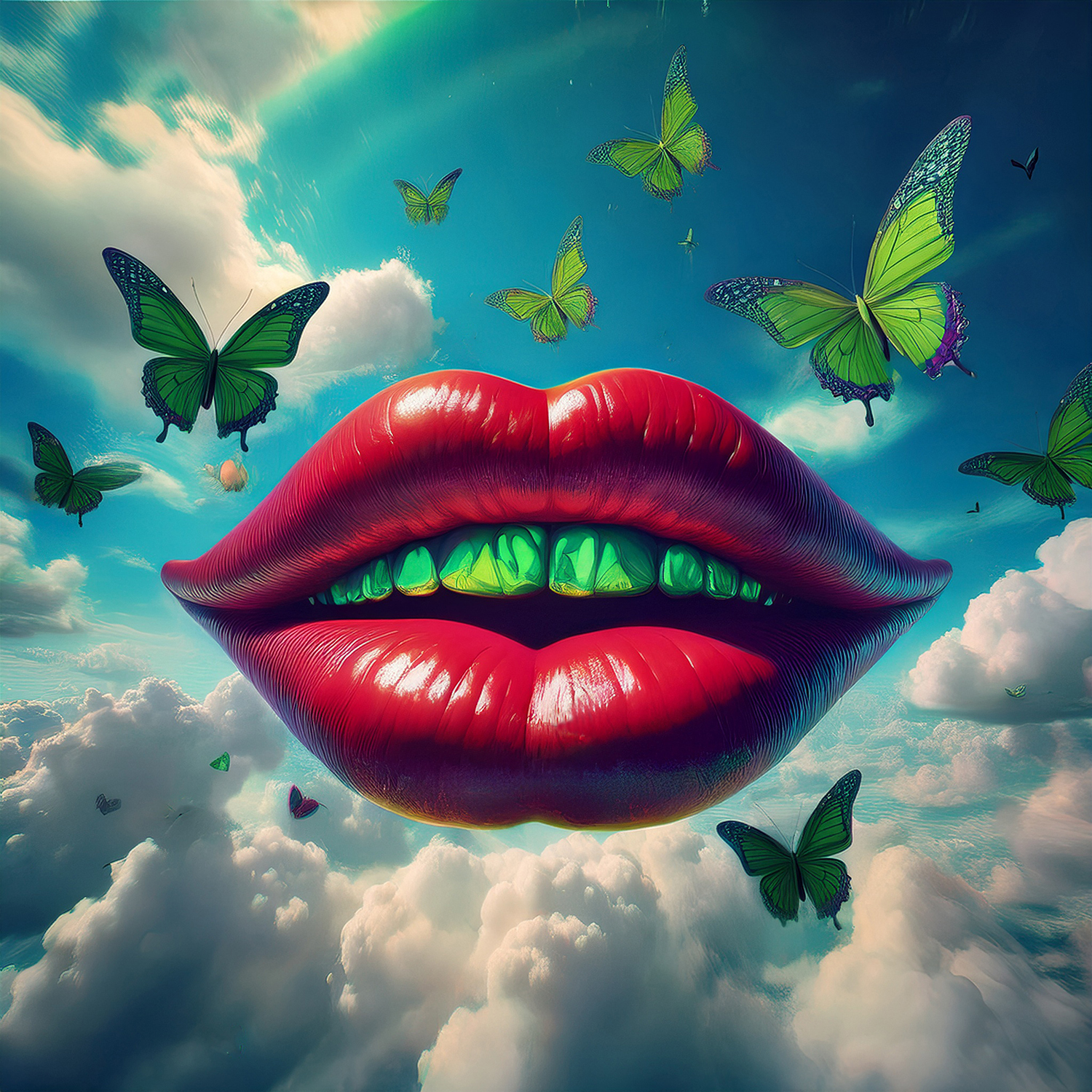
Here is the section in Photoshop where you can generate an image: On the left you type what sort of image you want. For my pictures I typed: "Giant Red Lips flying on a blue sky with puffy white clouds and green butterflies flying around." On the Right you can choose what sort of effect you want, and as you can see they have lots to choose from.

Here are a couple examples of what Adobe came up with. Note I could not draw or paint these pictures on my own. I like the first one.
For this second picture I told Adobe to make the lips floating underwater surrounded by fish with big eyes. I think this one is my favorite.


Anyway, there's no real point to this thread, just wanted to show y'all some examples of what someone with almost zero experience, like myself, can create using AI. It's kind of fun. I would definitely not claim I made these images, although I suppose if someone added words and text, you could sell it as an advertisement. I do use Photoshop to change my own photographs, but not this much at all. It's fairly easy to remove unwanted parts of a picture, trash on the street for example.
I say it was created in 10 minutes on Adobe Photoshop. She says someone drew or painted it or did something to make the picture. I told her I would make something similar, just as good. The other pictures are mine. As much as I can claim them. They are from Photoshop. It has a "Generative Image Creation" Just type what you want and it will make a picture in various styles. The second picture shows the part of Photoshop where you can make different choices for what picture you want to generate.
So here is the Happy Fits Album Cover. The clouds in the background are from a real picture, but I think the rest is from Photoshop. My daughter finally said probably Adobe Illustrator. She's probably right.
Here is the section in Photoshop where you can generate an image: On the left you type what sort of image you want. For my pictures I typed: "Giant Red Lips flying on a blue sky with puffy white clouds and green butterflies flying around." On the Right you can choose what sort of effect you want, and as you can see they have lots to choose from.
Here are a couple examples of what Adobe came up with. Note I could not draw or paint these pictures on my own. I like the first one.
For this second picture I told Adobe to make the lips floating underwater surrounded by fish with big eyes. I think this one is my favorite.
Anyway, there's no real point to this thread, just wanted to show y'all some examples of what someone with almost zero experience, like myself, can create using AI. It's kind of fun. I would definitely not claim I made these images, although I suppose if someone added words and text, you could sell it as an advertisement. I do use Photoshop to change my own photographs, but not this much at all. It's fairly easy to remove unwanted parts of a picture, trash on the street for example.


